
13 KiB
Yamtrack




Yamtrack is a self hosted media tracker for movies, tv shows, anime, manga, video games and books.
Demo
You can try the app at yamtrack.fuzzygrim.com using the username demo and password demo.
Features
- Track movies, tv shows, anime, manga and games.
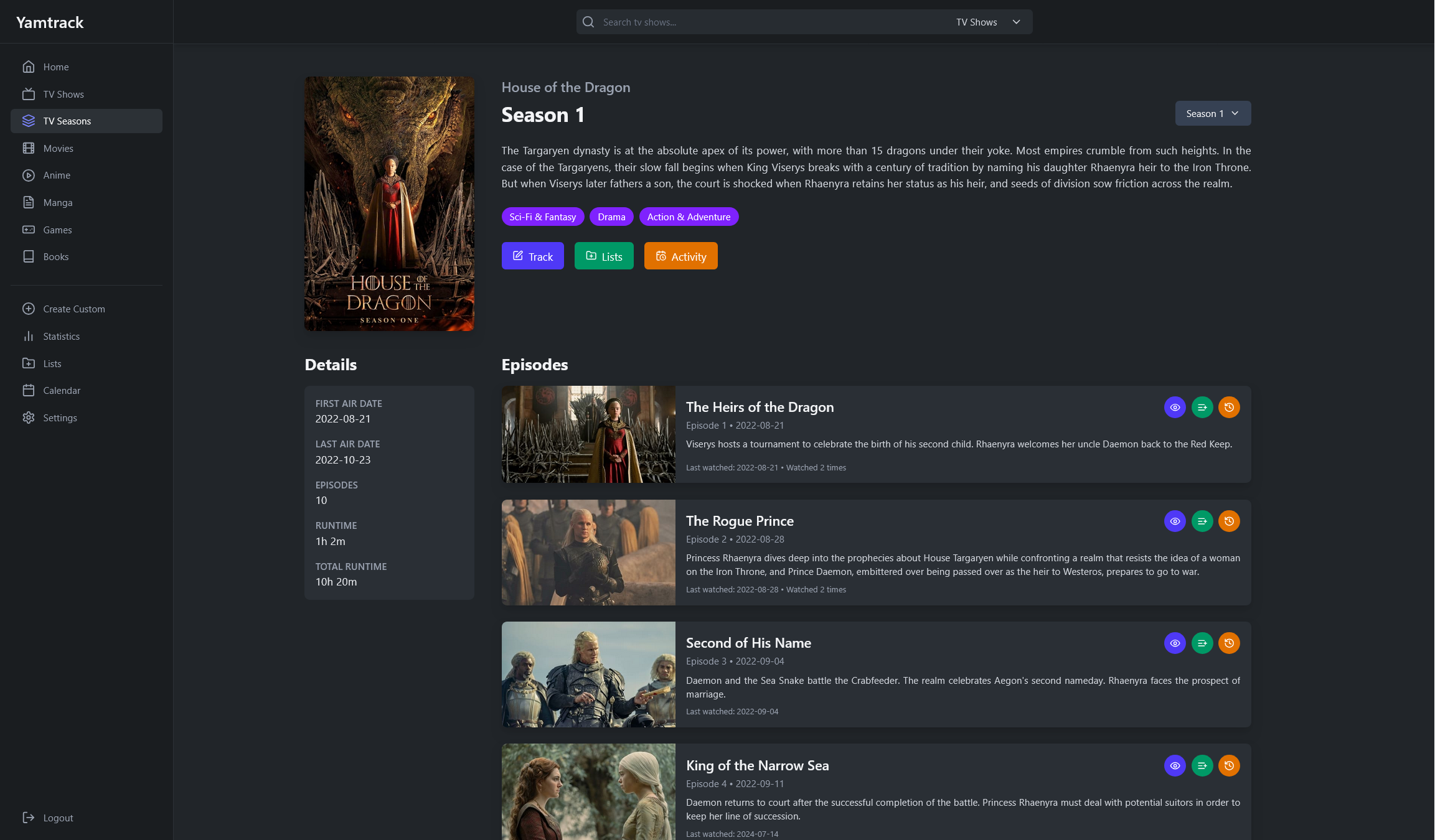
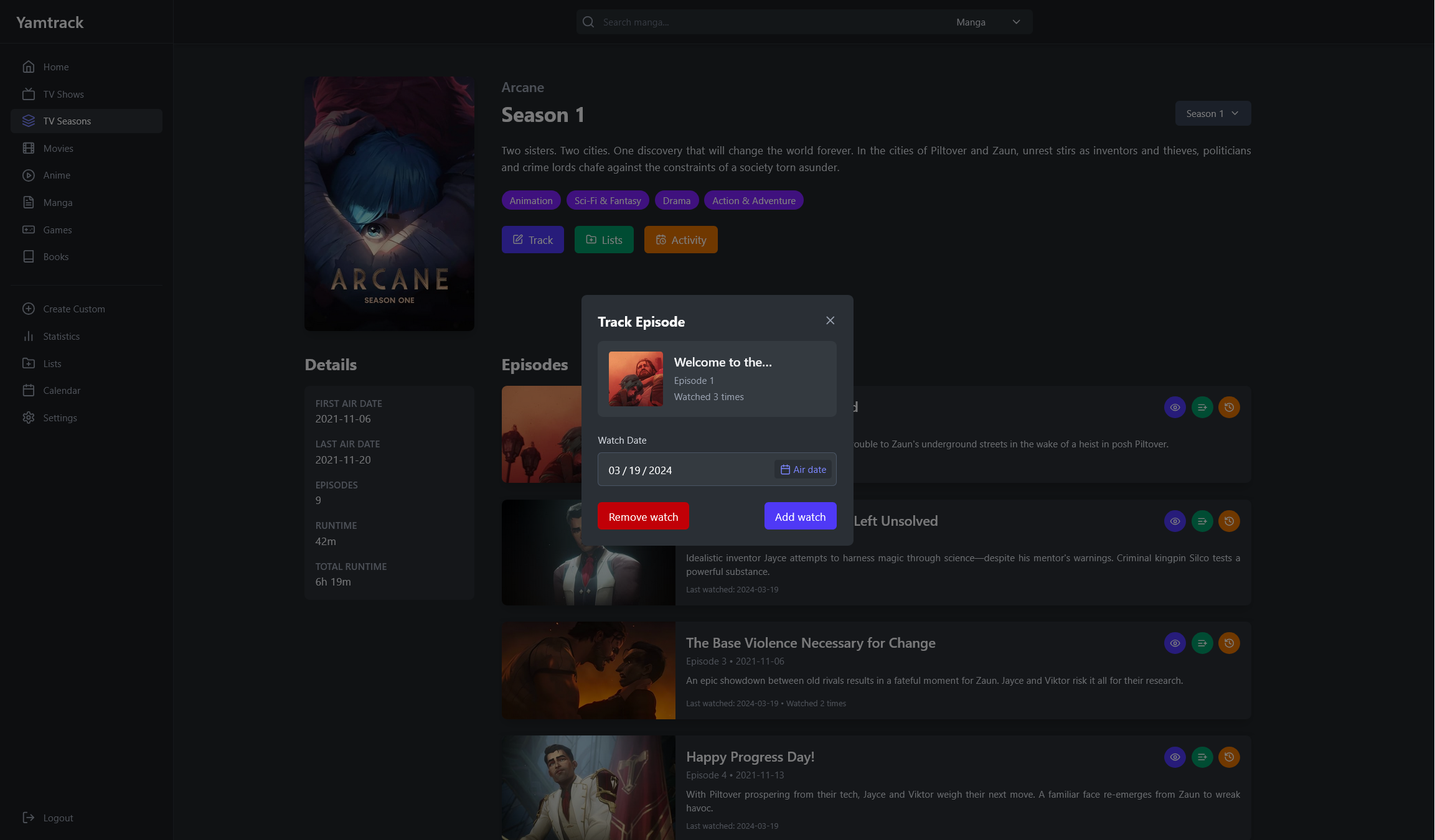
- Track each season of a tv show individually and episodes watched.
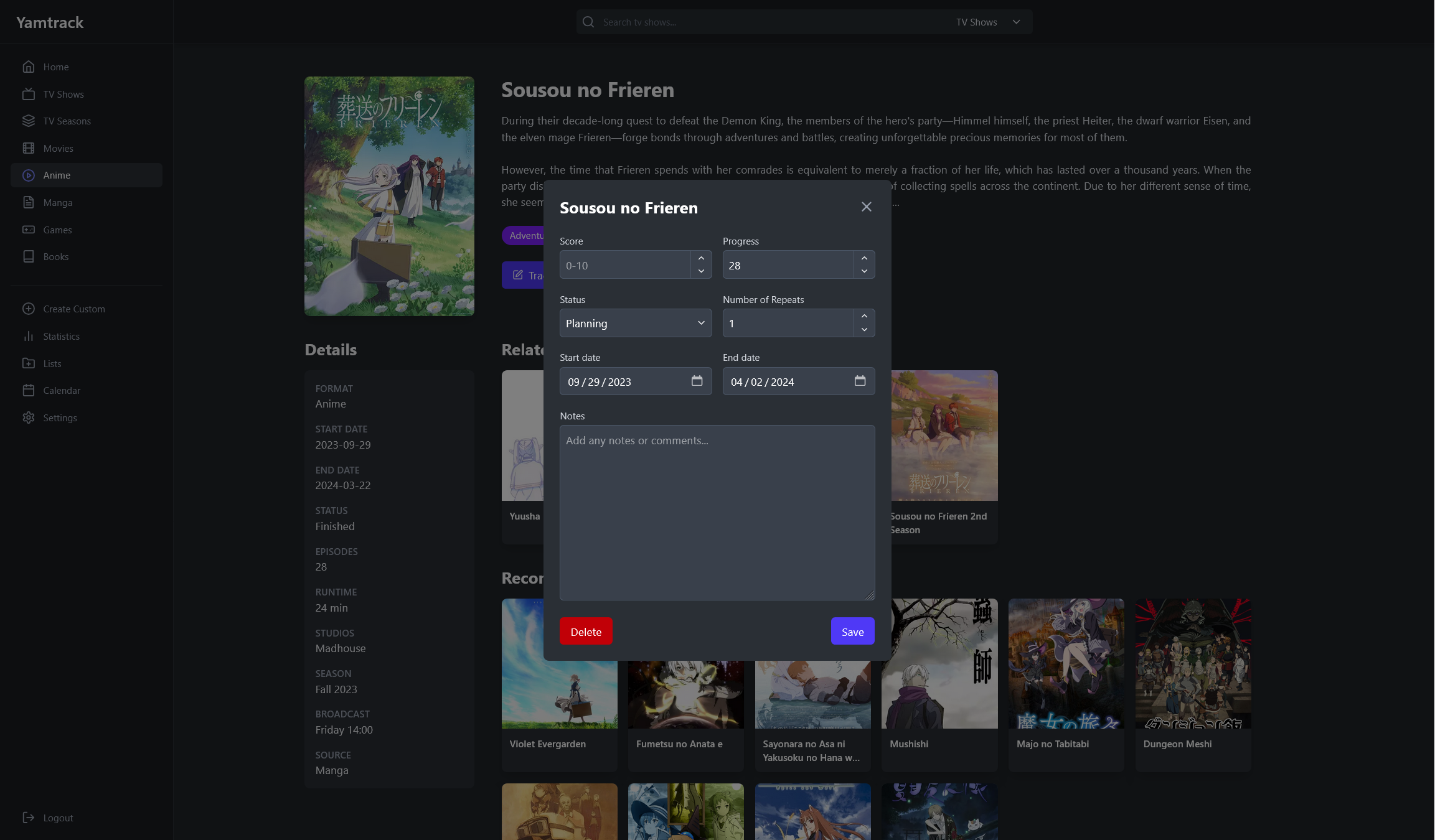
- Save score, status, progress, repeats (rewatches, rereads...), start and end dates, or write a note.
- Keep a tracking history with each action with a media, such as when you added it, when you started it, when you started watching it again, etc.
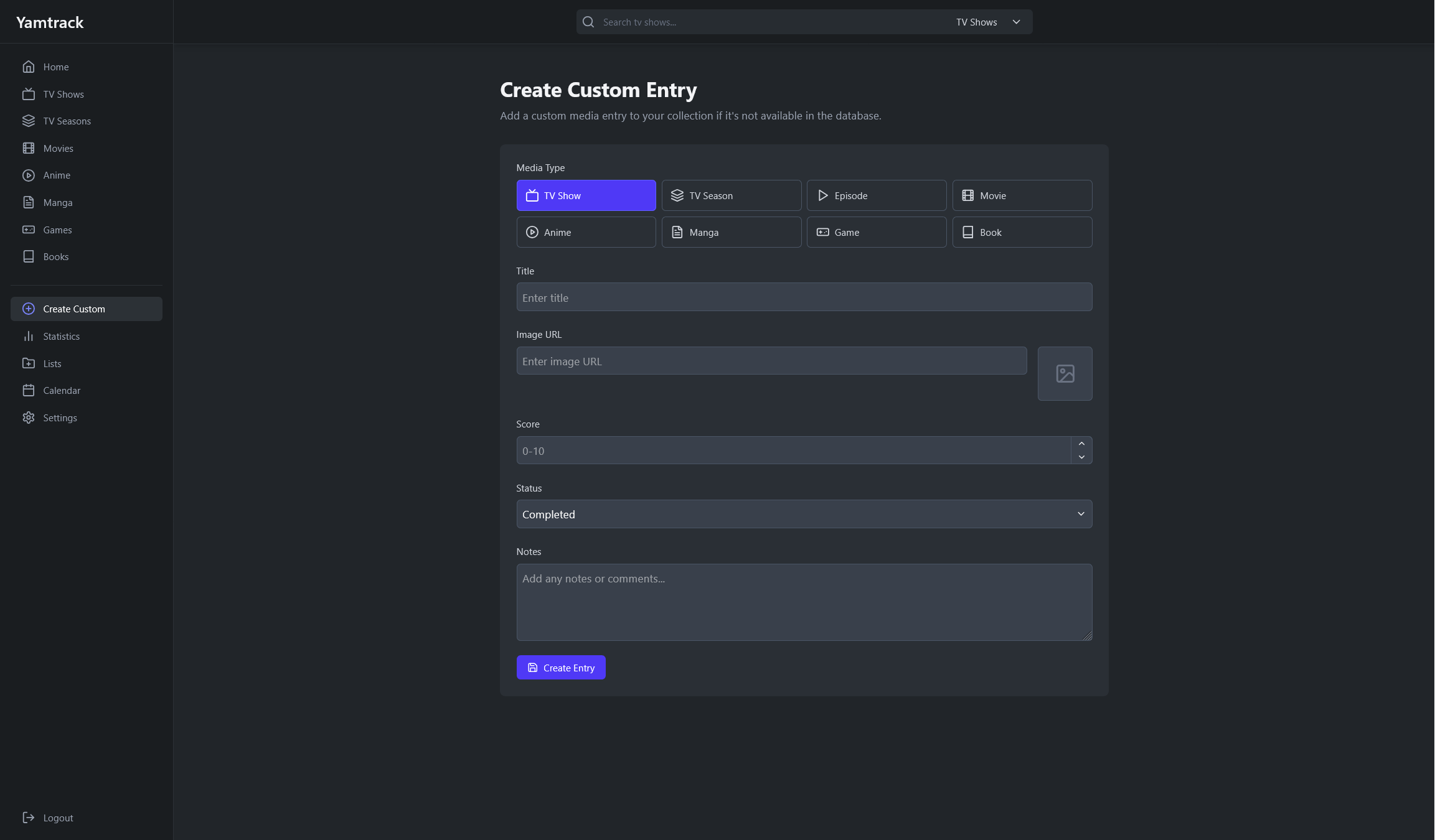
- Create custom media entries, for niche media that cannot be found by the supported APIs.
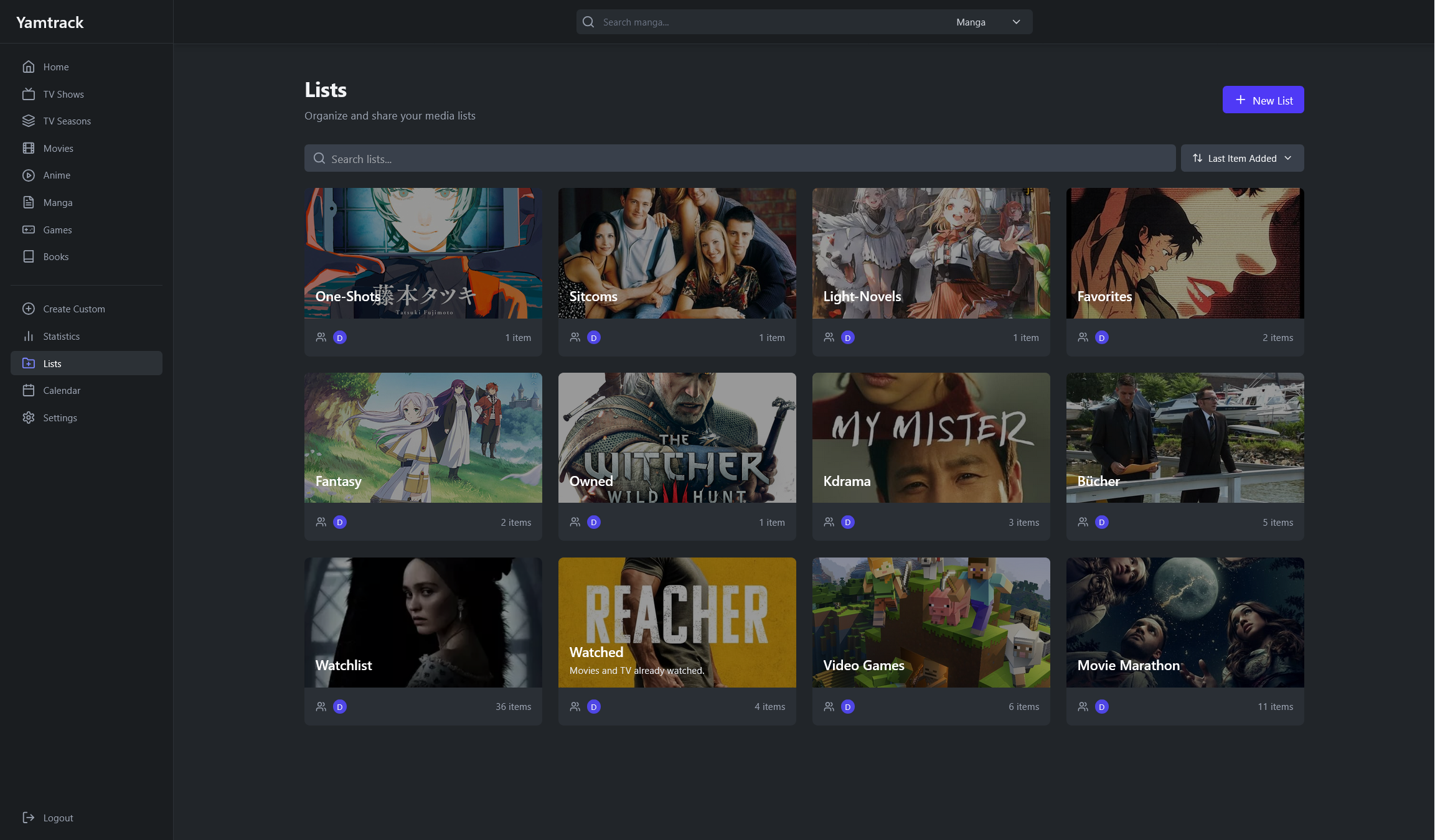
- Use personal lists to organize your media for any purpose, add other members to collaborate on your lists.
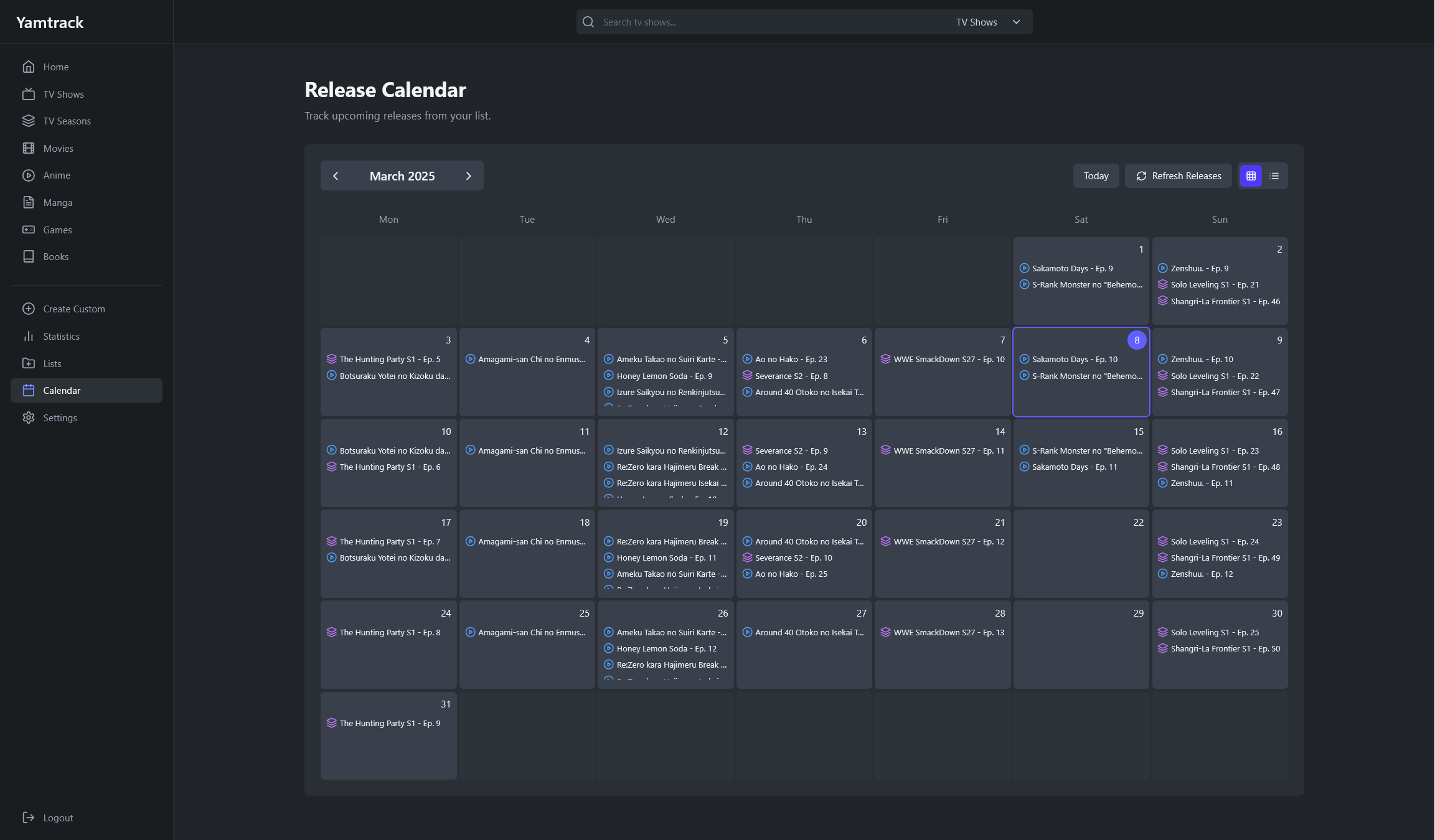
- Keep up with your upcoming media with a calendar.
- Easy deployment with Docker via docker-compose with SQLite or PostgreSQL.
- Multi-users functionality allowing individual accounts with personalized tracking.
- Integration with Jellyfin, to automatically track new media watched.
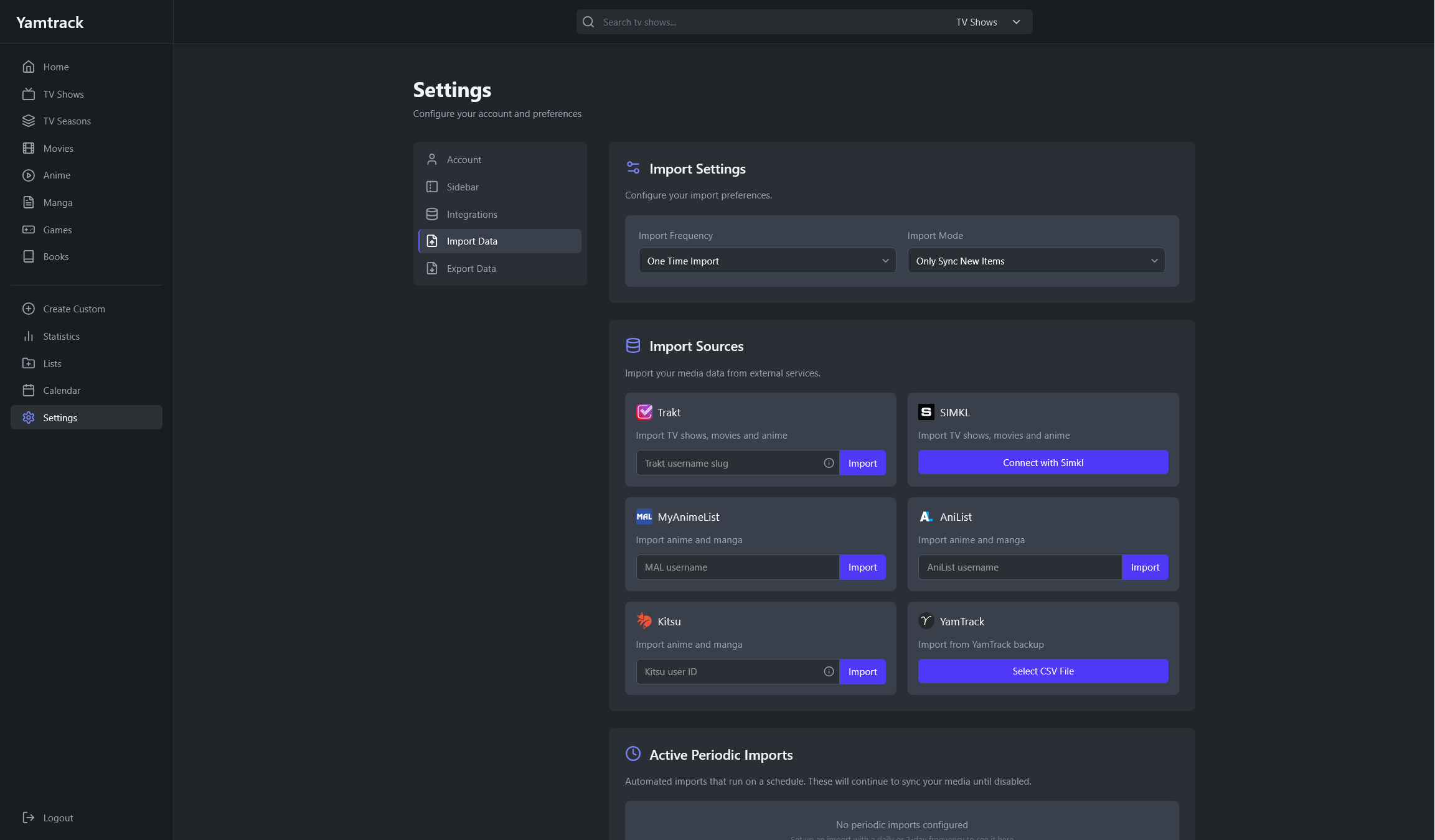
- Import from Trakt, Simkl, MyAnimeList, AniList and Kitsu.
- Export all your tracked media to a CSV file and import it back.
Screenshots
| Homepage | Calendar |
|---|---|
 |
 |
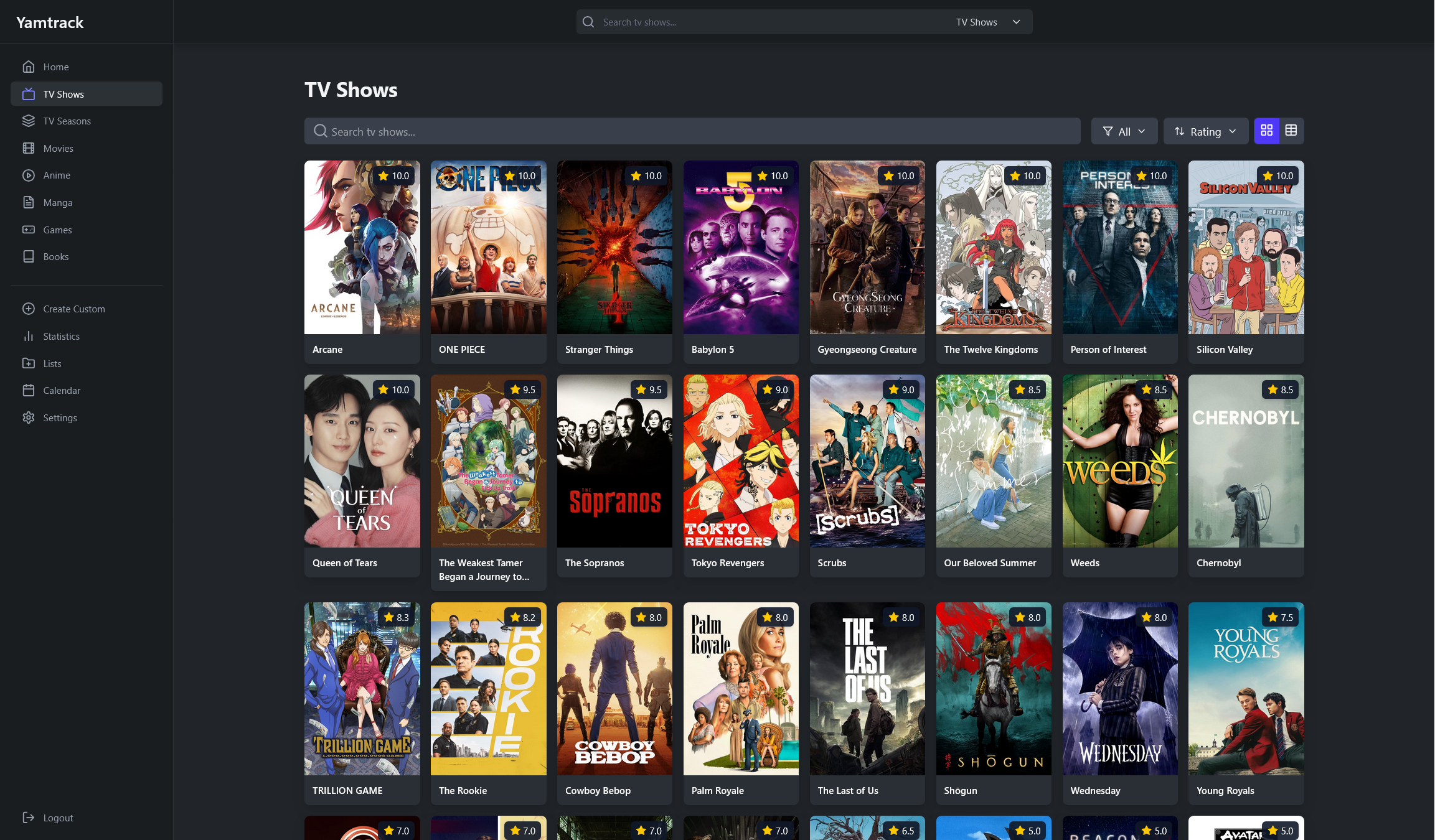
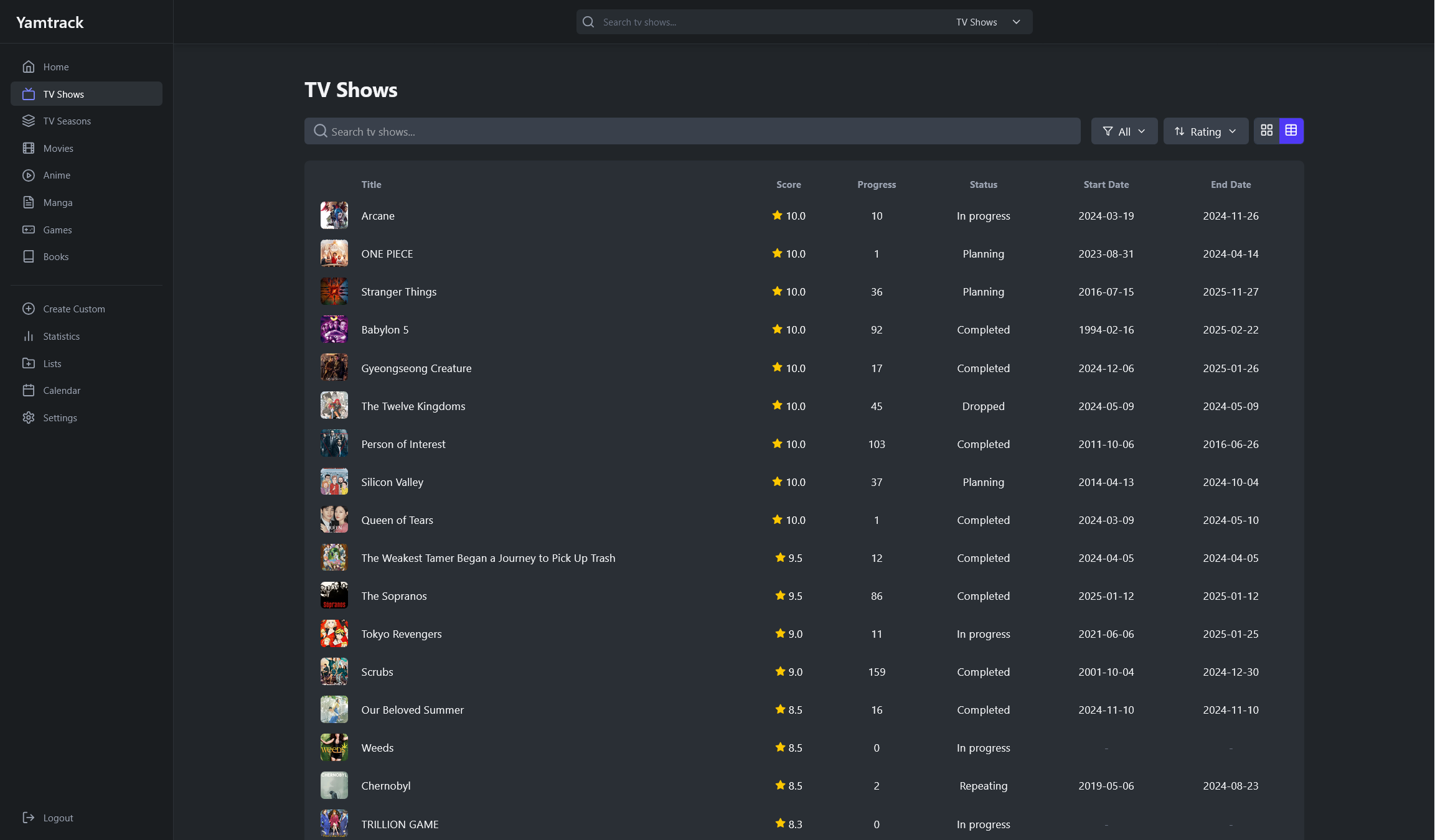
| Media List Grid | Media List Table |
|---|---|
 |
 |
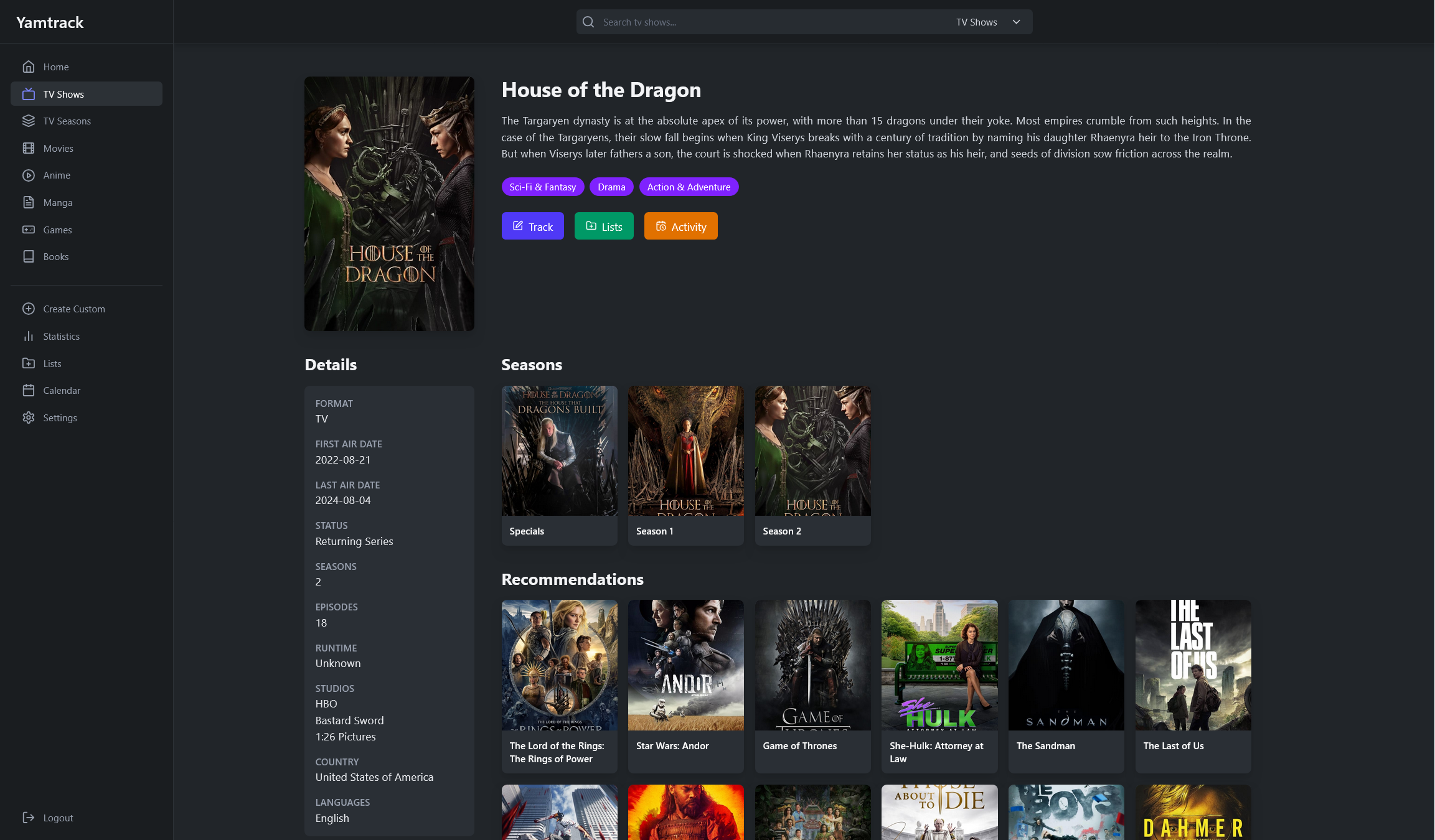
| Media Details | Tracking |
|---|---|
 |
 |
| Season Details | Tracking Episodes |
|---|---|
 |
 |
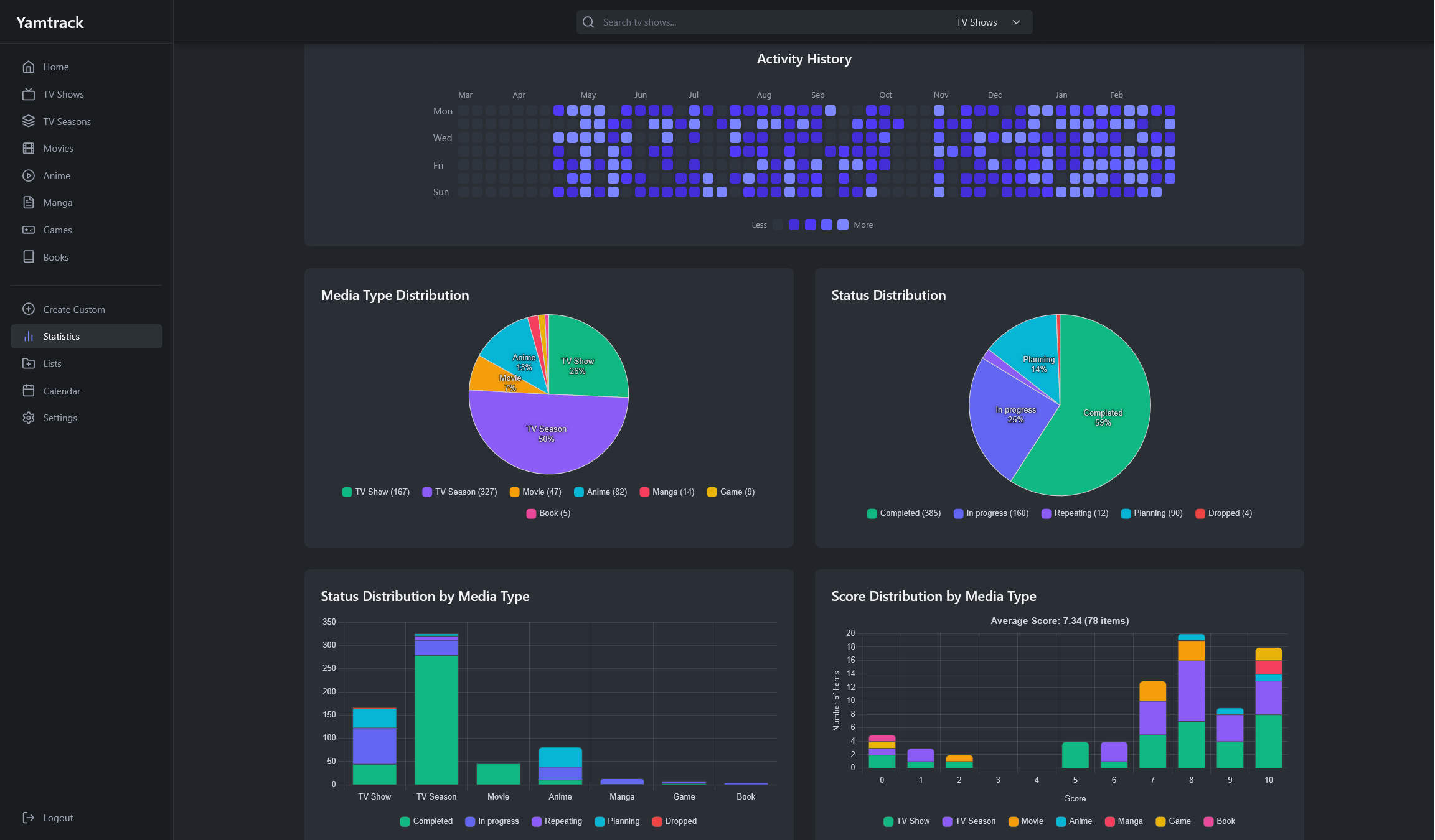
| Lists | Statistics |
|---|---|
 |
 |
| Create Manual Entries | Import Data |
|---|---|
 |
 |
Installing with Docker
Copy the default docker-compose.yml file from the repository and set the environment variables. This would use a SQlite database, which is enough for most use cases.
To start the containers run:
docker-compose up -d
Alternatively, if you need a PostgreSQL database, you can use the docker-compose.postgres.yml file.
Reverse Proxy Setup
When using a reverse proxy, if you see a 403 - Forbidden error, you need to set the URLS environment variable to the URL you are using for the app.
services:
  yamtrack:
    ...
    environment:
      - URLS=https://yamtrack.mydomain.com
    ...
Note that the setting must include the correct protocol (https or http), and must not include the application / context path. Multiple origins can be specified by separating them with a comma (,).
Environment variables
| Name | Notes |
|---|---|
| TMDB_API | The Movie Database API key for movies and tv shows, a default key is provided |
| TMDB_NSFW | Default to False, set to True to include adult content in tv and movie searches |
| TMDB_LANG | TMDB metadata language, uses a Language code in ISO 639-1 e.g en, for more specific results a country code in ISO 3166-1 can be added e.g en-US |
| MAL_API | MyAnimeList API key, for anime and manga, a default key is provided |
| MAL_NSFW | Default to False, set to True to include adult content in anime and manga searches from MyAnimeList |
| MU_NSFW | Default to False, set to True to include adult content in manga searches from MangaUpdates |
| IGDB_ID | IGDB API key for games, a default key is provided but it's recommended to get your own as it has a low rate limit |
| IGDB_SECRET | IGDB API secret for games, a default value is provided but it's recommended to get your own as it has a low rate limit |
| IGDB_NSFW | Default to False, set to True to include adult content in game searches |
| SIMKL_ID | Simkl API key only needed for importing media from Simkl, a default key is provided but you can get one at Simkl Developer if needed |
| SIMKL_SECRET | Simkl API secret for importing media from Simkl, a default secret is provided but you can get one at Simkl Developer if needed |
| REDIS_URL | Default to redis://localhost:6379, Redis is needed for processing background tasks, set this to your redis server url |
| SECRET | Secret key used for cryptographic signing, should be a random string |
| URLS | Shortcut to set both the CSRF and ALLOWED_HOSTS settings, comma separated list of URLs, e.g. https://yamtrack.mydomain.com or https://yamtrack.mydomain.com, https://yamtrack.mydomain2.com |
| ALLOWED_HOSTS | Comma separated list of host/domain names that this Django site can serve, e.g. yamtrack.mydomain.com or yamtrack.mydomain.com, 192.168.1.1. Default to * for all hosts |
| CSRF | Comma separated list of trusted origins for POST requests when using reverse proxies, e.g. https://yamtrack.mydomain.com or https://yamtrack.mydomain.com, https://yamtrack.mydomain2.com |
| REGISTRATION | Default to True, set to False to disable user registration |
| DEBUG | Default to False, set to True for debugging |
| PUID | User ID for the app, default to 1000 |
| PGID | Group ID for the app, default to 1000 |
| TZ | Timezone, like Europe/Berlin. Default to UTC |
| WEB_CONCURRENCY | Number of webserver processes, default to 1 but it's recommended to have a value of (2 x num cores) + 1 |
Environment variables for PostgreSQL
| Name | Notes |
|---|---|
| DB_HOST | When not set, sqlite is used |
| DB_PORT | |
| DB_NAME | |
| DB_USER | |
| DB_PASSWORD |
Local development
Clone the repository and change directory to it.
git clone https://github.com/FuzzyGrim/Yamtrack.git
cd Yamtrack
Install Redis or spin up a bare redis container:
docker run -d --name redis -p 6379:6379 --restart unless-stopped redis:7-alpine
Create a .env file in the root directory and add the following variables.
TMDB_API=API_KEY
MAL_API=API_KEY
IGDB_ID=IGDB_ID
IGDB_SECRET=IGDB_SECRET
SECRET=SECRET
DEBUG=True
Then run the following commands.
python -m pip install -U -r requirements-dev.txt
cd src
python manage.py migrate
python manage.py runserver & celery -A config worker --beat --scheduler django --loglevel DEBUG & tailwindcss -i ./static/css/input.css -o ./static/css/tailwind.css --watch
Go to: http://localhost:8000
Donate
If you like the project and want to support it, you can donate via:
